What are the published VIM30CP power and wavelength?
VIM30CP is listed at 30W and 10.6 μm. It is the first power entry in the portable VIM-CP family, which continues through 40W, 60W, 100W and 150W.

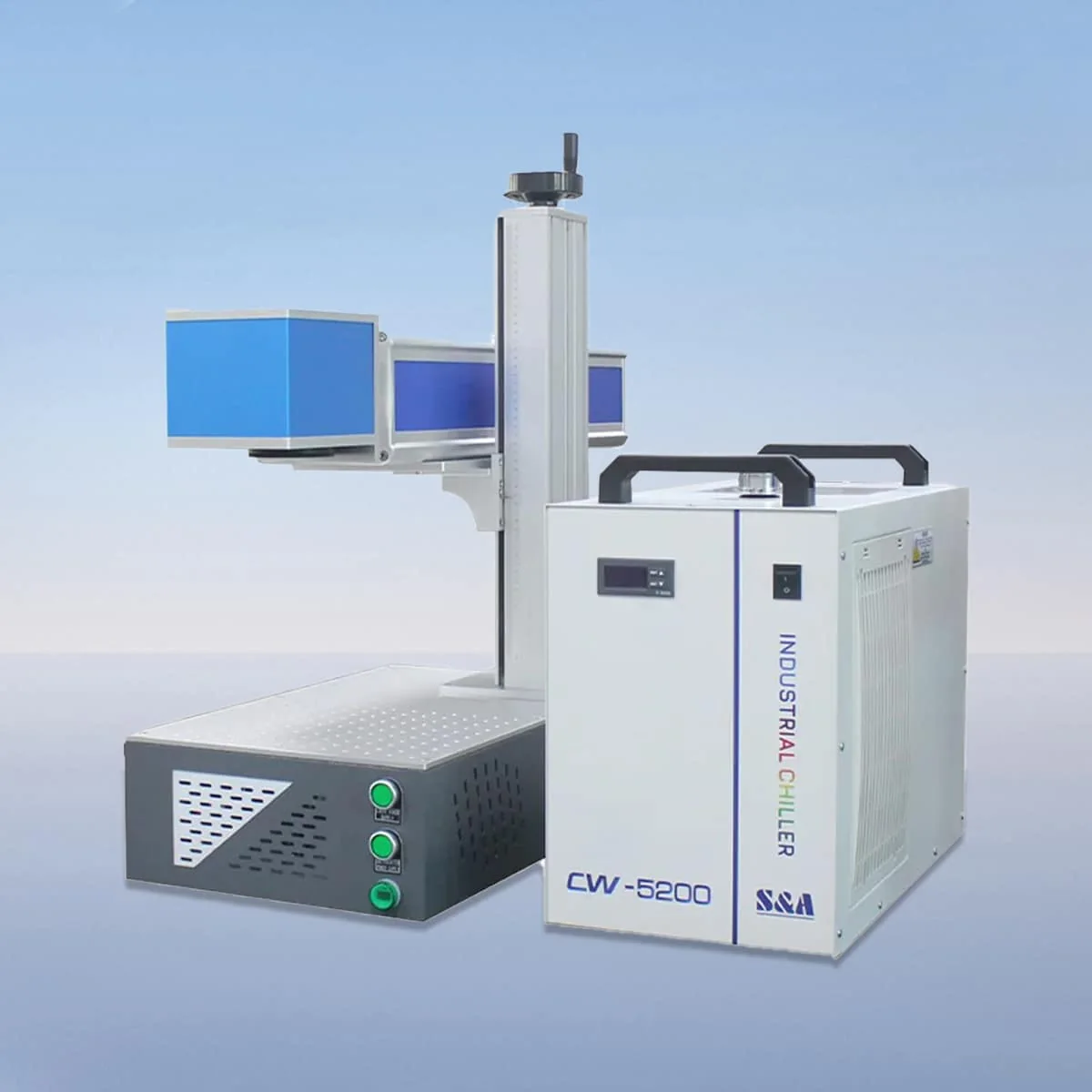
Laser Marking Machine
VIM30CP is the 30W portable model in the VIM-CP CO2 laser marking series, with a listed wavelength of 10.6 μm. It is the lowest power entry in this five-model family. The same series also lists 40W, 60W, 100W and 150W choices for comparison.
Portable design is the defining arrangement of the CP family. For a workshop considering the 30W machine, the useful starting point is the proposed work position: where the marker will sit, how the part will be supported and where the operator will reach the controls. Moving equipment between positions also requires a plan for its connections and protection.
| Specification | VIM30CP |
|---|---|
| Laser Power | 30W |
| Laser Wavelength | 10.6 μm |
Configuration options vary by model. Confirm the final specification, selected components and operating requirements with your quotation.
The series configuration describes a CO2 tube with air cooling, a galvo scanner and a field lens. These are the named components of the marking arrangement. A red dot pointer supplies a visible reference for positioning; include the intended graphic location on a part drawing when discussing the setup.
The control system provides parameter settings, adjustment and real-time monitoring. Prepare representative artwork and identify which details change from one job to another. This gives the configuration discussion a practical focus: the operator needs to understand the proposed settings and how the equipment will be used for the actual work.
At 30W, VIM30CP can be distinguished clearly from the next VIM40CP entry at 40W. The power values alone do not assign a marking time or a minimum character dimension. Compare both machines against the same material, graphic size and appearance requirements before settling on a proposed configuration.
Plastic, glass, rubber and wood are named in the product features as intended marking and engraving materials. Specify the exact substrate and surface finish, rather than submitting only a broad material name. A coated component and an unfinished component should have their requirements described separately when both are included in an enquiry.
Small batches with different graphics call for clear job information. You can provide the artwork, its dimensions, the required position and the number of different part shapes. These are buyer preparation steps, not a claim that the machine has already been tested on those parts. Include an example of the appearance you want to discuss.
Ask for the selected lens, working field and control arrangement to be identified with the VIM30CP offer. This page does not assign a marking-area size or a software brand. Keeping the optical proposal with the artwork helps avoid comparing a 30W model name while overlooking the specific configuration being offered.
The published arrangement includes an interlock that stops the machine if a safety door or panel opens. Review the operating instructions and protective provisions for the proposed workplace. Air cooling and a portable structure do not establish battery operation, an outdoor rating or a certified safety class for the installation.
For a machine that may change work positions, request the actual dimensions, weight and connection requirements. Record any support or positioning accessories separately from the marker. The quotation can then identify the equipment, the intended setup and the items that remain to be selected without treating portability as a complete installation specification.
VIM30CP is listed at 30W and 10.6 μm. It is the first power entry in the portable VIM-CP family, which continues through 40W, 60W, 100W and 150W.
No battery specification is assigned here. Request the actual power supply, connections, dimensions and weight for the machine being offered before planning movement between work positions.
The product features name plastic, glass, rubber and wood. Describe the grade, surface finish and desired appearance so discussion stays tied to the particular part rather than an assumed result.
The configuration includes a red dot pointer for visible positioning. Supply the graphic location and dimensions with the workpiece information so the proposed optical setup can be discussed.
No software brand is assigned on this page. The series describes parameter settings, adjustments and monitoring; request the actual interface and software details with the offered configuration.
Share your material, dimensions and process. Start a conversation about the right configuration.