Is VIM150CP the highest power in this family?
Yes. The published VIM-CP table ends at 150W for VIM150CP. The next lower entry is the 100W VIM100CP, and both list a wavelength of 10.6 μm.

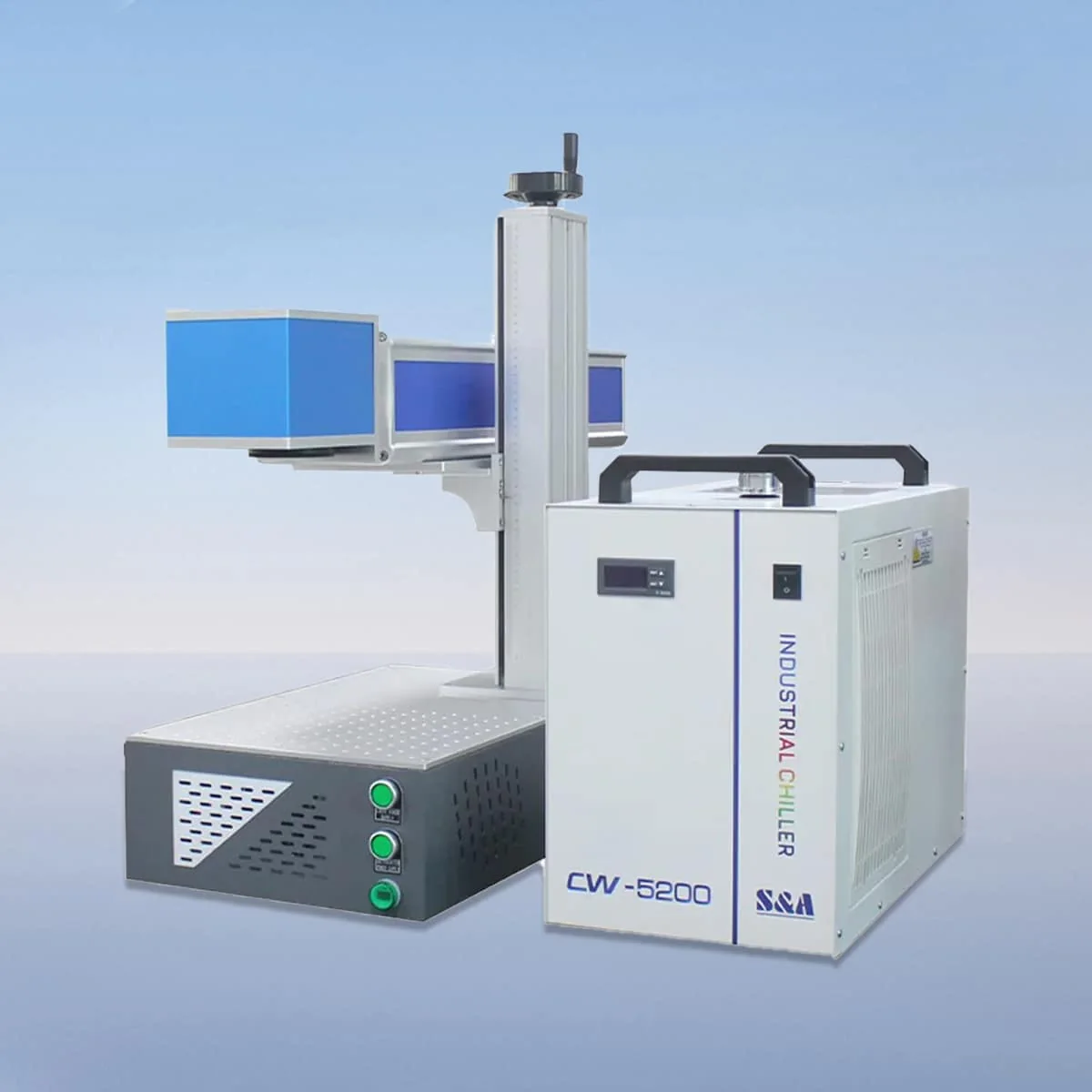
Laser Marking Machine
VIM150CP is the highest listed power entry in the portable VIM-CP CO2 laser marking family, at 150W and a wavelength of 10.6 μm. The next lower entry is VIM100CP at 100W. The range also includes 30W, 40W and 60W models.
Selecting the upper power entry still calls for a defined marking task. Describe the material, the available surface and the intended graphic before comparing configurations. Portable construction is a separate part of the brief: explain where the machine will be placed and whether relocation between work positions is required.
| Specification | VIM150CP |
|---|---|
| Laser Power | 150W |
| Laser Wavelength | 10.6 μm |
Configuration options vary by model. Confirm the final specification, selected components and operating requirements with your quotation.
A CO2 tube, air cooling device, galvo scanner and field lens are named in the series configuration. The red dot pointer provides a visible reference for positioning. The proposal should identify the actual lens and field being supplied with VIM150CP so the optical arrangement can be reviewed alongside the artwork.
The control system is described with parameter settings, adjustment and real-time monitoring. Give examples of both the normal job and any changed graphic or part orientation. These examples help define what the operator needs to set up and review without assuming a particular software brand or an automated data-handling capability.
Highest listed power does not mean that every task requires VIM150CP. Use the same material and appearance requirements when comparing it with VIM100CP or another family member. No numerical marking rate or engraving depth is assigned here, so power should not be converted into an unsupported production estimate.
The product features identify plastic, glass, rubber and wood as intended materials for marking and engraving. Submit the precise substrate, finish and graphic location for the work you have in mind. The material list identifies the intended scope; it does not demonstrate an accepted result for every material grade or coating.
For a portable setup, the relationship between equipment and workpiece deserves its own drawing. Show the face to be marked, the available access and how the part is supported. Where several work positions are proposed, describe each one so the equipment and any requested accessories can be discussed against the actual layout.
Ask for the selected field and lens to be named explicitly in the VIM150CP offer. The source information used here does not assign a marking-area dimension or a minimum character size. Attach the graphic at its intended dimensions; a power rating alone cannot answer those layout questions.
An interlock is described as stopping the machine when a safety door or panel opens. Review the operating instructions and protective provisions for the proposed work location. That function does not establish an installation safety class or show that every possible portable marking position is protected in the same way.
Confirm the machine dimensions, weight and connections before planning movement or support. Air cooling is part of the described equipment, without a stated continuous running duration. Keep any requested supports and accessories separate in the scope so the final discussion distinguishes the 150W marker from the surrounding workplace arrangement.
Yes. The published VIM-CP table ends at 150W for VIM150CP. The next lower entry is the 100W VIM100CP, and both list a wavelength of 10.6 μm.
The model choice needs to be discussed against the material, graphic and intended appearance. The published power ranking is not a ranking of tested results or suitability for every job.
The configuration names a galvo scanner, field lens and red dot pointer. Request the actual field and lens selection with the offered machine and the artwork used in the discussion.
No numerical weight is assigned here. Obtain the actual weight, dimensions and connection requirements before deciding how the equipment will be supported or moved between work areas.
Include material and finish, artwork dimensions, the intended mark location and the workpiece layout. Identify any required relocation and list requested supports or accessories separately from the marker.
Share your material, dimensions and process. Start a conversation about the right configuration.