Is VIM150CD the highest listed VIM-CD power?
Yes. Its published power is 150W, above the 100W VIM100CD entry. This describes its position in the family table, not a guaranteed ranking of process results.

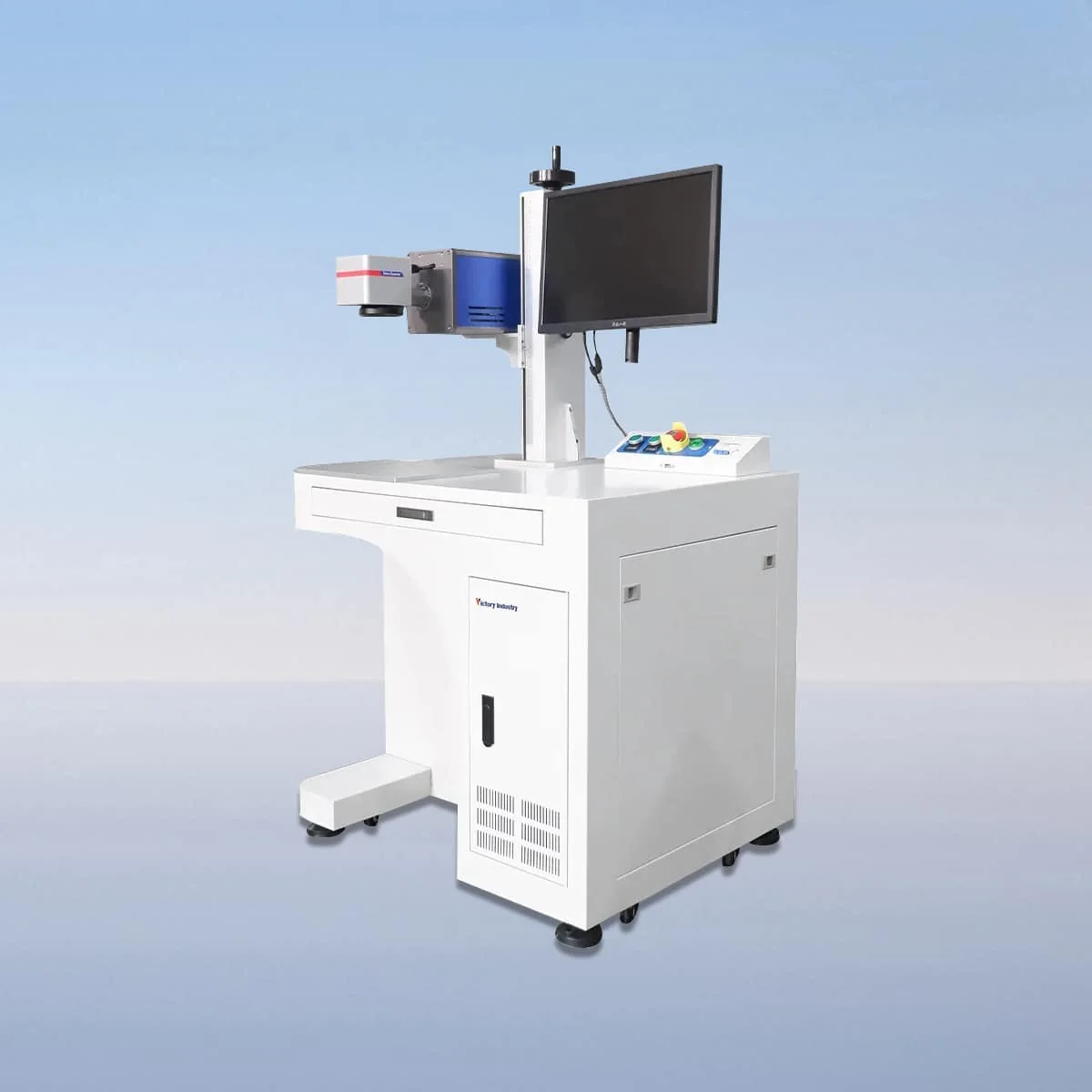
Laser Marking Machine
VIM150CD is the 150W entry in the desktop VIM-CD CO2 laser marking series, with a published wavelength of 10.6 μm. It is the highest power listed in this five-model family. That position in the table does not establish the fastest job time, largest marking area or deepest engraving for a particular application.
The series configuration includes a CO2 laser tube, air cooling, a galvo scanner and a field lens. A red dot pointer gives a visible reference for alignment, and the controls support settings, adjustment and real-time monitoring. The selected components and intended workpiece arrangement should be reviewed together for this power model.
| Specification | VIM150CD |
|---|---|
| Laser Power | 150W |
| Laser Wavelength | 10.6 μm |
Configuration options vary by model. Confirm the final specification, selected components and operating requirements with your quotation.
The next lower listed entry is VIM100CD at 100W, while VIM150CD is 150W. To compare them, provide one consistent set of material and artwork requirements. Ask each proposal to identify the optics and controls as well as the power so the selection is not reduced to the difference between two numbers.
The red dot pointer is described as a positioning aid. The part drawing should show the desired mark location and the edges or surfaces used to locate the object. This gives the visible reference a defined role during setup without assuming automatic recognition or a particular positioning tolerance.
Desktop design means the equipment should be considered as part of a marking station. Obtain actual machine dimensions, then include the workpiece support and loading access in the layout. The overall object size can affect the station even when only a small area receives the mark.
The published scope includes marking and engraving on wood, acrylic, glass and plastic. For a VIM150CD task, state the exact substrate and surface treatment, with the desired mark size and appearance. Those details are necessary because the material category and power rating do not specify a finished result for every grade or coating.
If the reason for considering this power is an existing marking requirement, explain that requirement directly. Provide the artwork, its location and any inspection or appearance criteria, rather than assigning a presumed capability to 150W. Where several jobs are involved, identify the recurring work and the exceptional items separately in the enquiry.
No marking-field dimensions, character-size limit or software brand are assigned here. Request the proposed field, optical setup and controls for the selected equipment. Review the interface using representative artwork and explain what changes between jobs, keeping the file and part drawing on the same revision.
Air cooling and an interlock are included in the equipment description. The interlock stops operation when a safety door or panel opens. Obtain the actual operating instructions and protective arrangement for the proposed desktop station; these features do not establish a guaranteed operating duration or certify an arbitrary installation.
A complete equipment request names VIM150CD, the material and mark requirements, proposed support arrangement and any requested accessories. Ask for the supplied configuration to be recorded explicitly. This keeps the 150W selection attached to the actual optics, controls and workstation under discussion, with the required result treated as a task to assess.
Yes. Its published power is 150W, above the 100W VIM100CD entry. This describes its position in the family table, not a guaranteed ranking of process results.
VIM150CD lists 10.6 μm, the same wavelength shown across the VIM-CD models. The 150W value is its separate model-specific laser power field.
Neither field dimensions nor a material-specific engraving depth are assigned here. Request the optical configuration and discuss the actual substrate, artwork and required appearance for the proposed job.
The series names wood, acrylic, glass and plastic for marking and engraving. Specify the exact material and surface rather than treating the broad list as a result guarantee.
Include artwork dimensions, mark position, substrate, surface finish and the desired result. Add the object dimensions and support arrangement, with any requested accessories clearly separated in the equipment scope.
Share your material, dimensions and process. Start a conversation about the right configuration.